Three steps
bring your streaks along
Export from your old app
Each app keeps its export in a different place. Find yours under Where is my export? below.
Open the file in Stoke
If your old app offers Share, pick Stoke and the file opens in it. Otherwise save the file, open Stoke, go to Settings → Restore or import from a file and tap Choose a file instead.
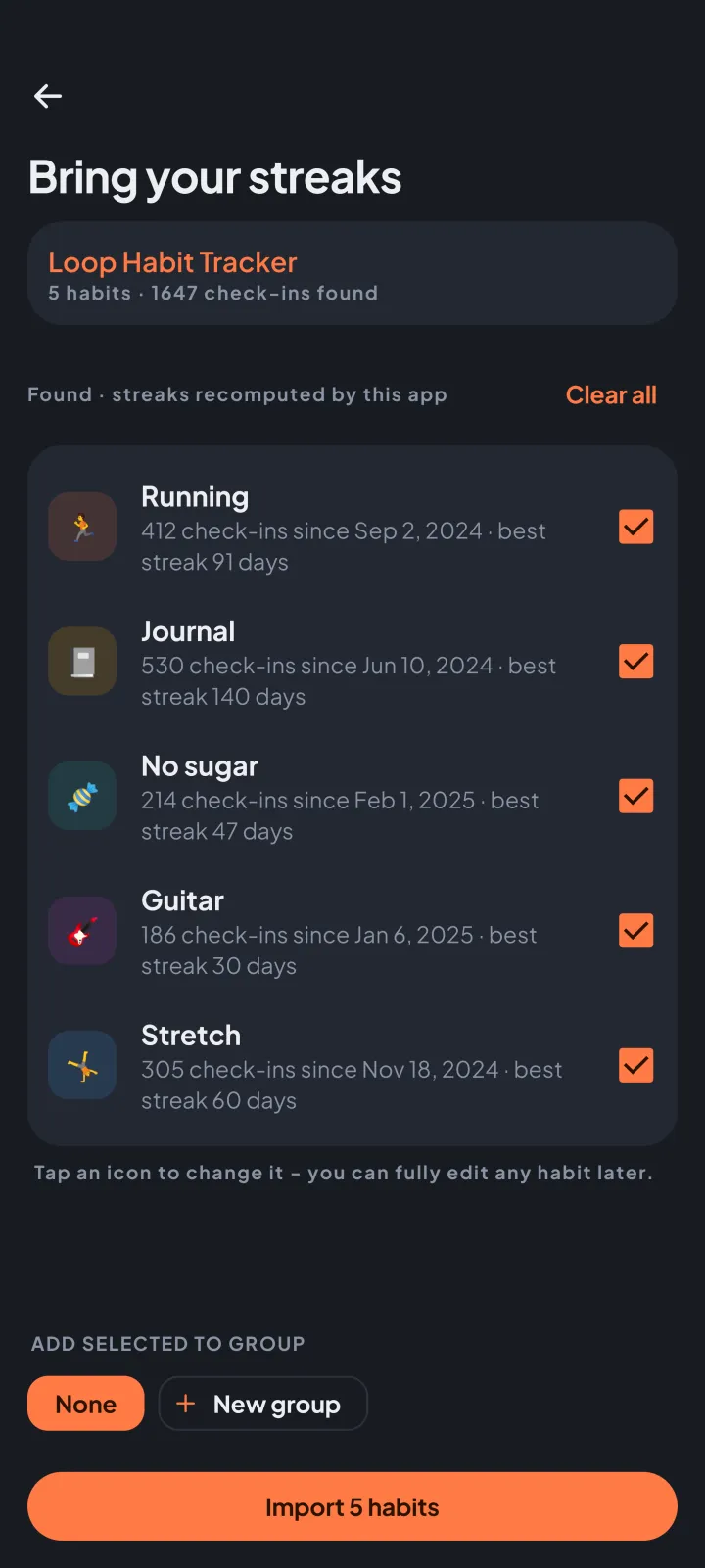
Check, then import
Stoke lists the habits it found, with their streaks recomputed from your check-ins. Nothing is added until you tap Import.
Where is my export?
find it in your old app
Loop Habit Tracker
In Loop Habit Tracker: tap the ⋮ menu at the top right → Settings → Export → "Export as CSV" (not "Export full backup", which Stoke can't read). Loop asks where to send the file - pick Stoke. If Stoke isn't listed, save it and use "Choose a file instead".
Units, targets, schedules and archived habits come over too.
HabitKit
In HabitKit: open Settings and look for Backup or Export data (a .json file). If it offers Share, pick Stoke. If it saves the file, tap "Choose a file instead" and look in Downloads.
HabitNow
In HabitNow: Settings → Backups → “Export to CSV”. Use the “Activity entries” file, not the .hn backup. If it offers Share, pick Stoke; otherwise tap “Choose a file instead” and look in Downloads.
Habitify
In Habitify: Settings → "Export data" → CSV. However Habitify hands you the file - a share, a download or an email - get it onto this phone, then share it to Stoke or tap "Choose a file instead".
Bad habits come over as habits to break.
HabitBull
In HabitBull: open the menu → Settings → "Export data" (CSV). HabitBull emails you the file - open that mail on this phone and share the attachment to Stoke, or save it and tap "Choose a file instead".
Another app
Look for Export, Backup or Download data in your app's settings and choose CSV if you can. If it offers Share, pick Stoke; if it saves the file, tap "Choose a file instead" and look in Downloads. You'll be asked which column is the habit and which is the date - that's all. No file at all? Add your habits by hand, then tap the days you have already done in each habit's calendar - your streaks build from those.
your history, in stoke
Every new install gets 14 days with every feature, then Stoke carries on as the free version, with your imported habits and their streaks.